Stripe is the payment processor that handles all your subscription billing, customer payments, and bank transfers. Connecting your Stripe account is essential for accepting payments and getting paid for your services.
What Is Stripe?
Stripe is a secure payment processing platform that:
For Your Customers:
Processes credit and debit card payments
Stores payment information securely
Handles subscription billing automatically
Sends payment receipts
For Your Business:
Transfers money to your bank account
Manages recurring billing cycles
Handles failed payments and retries
Provides transaction records
✍️ TIP: Think of Stripe as your digital cash register and bank deposit system—it's what turns customer subscriptions into money in your account.
Why ServiceSubscriber Uses Stripe
ServiceSubscriber is built specifically to work with Stripe because:
Security: Stripe is PCI-compliant and handles sensitive payment data so you don't have to
Reliability: Stripe processes billions in payments annually with 99.99%+ uptime
Automation: Recurring subscriptions bill automatically without manual intervention
Global reach: Stripe supports multiple currencies and payment methods worldwide
Direct deposits: Money goes straight from customers to your bank account—ServiceSubscriber never holds your funds
✅ BEST PRACTICE: Stripe is an industry-standard payment processor used by millions of businesses worldwide. Your customers trust it, and it's built specifically for subscription businesses like yours.
What Happens Without Stripe?
Until you connect Stripe, your business has limitations:
❌ Cannot accept real payments
Customers can't complete subscriptions
No way to process credit cards
No money flowing to your account
❌ Services stay "Pending"
Your services remain inactive
Nothing appears on your live site
Customers see an empty page
❌ Limited functionality
Can build services but not publish them
Can't test the full customer journey
Missing the core revenue component
⚠️ IMPORTANT: Connecting Stripe is the single most important step to making your subscription business operational. Everything else is setup—Stripe is what actually makes your business work.
What Connecting Stripe Enables
Once Stripe is connected, everything comes alive:
✅ Accept Real Payments
Process credit and debit cards
Collect subscription payments automatically
Receive money in your bank account
✅ Activate Your Services
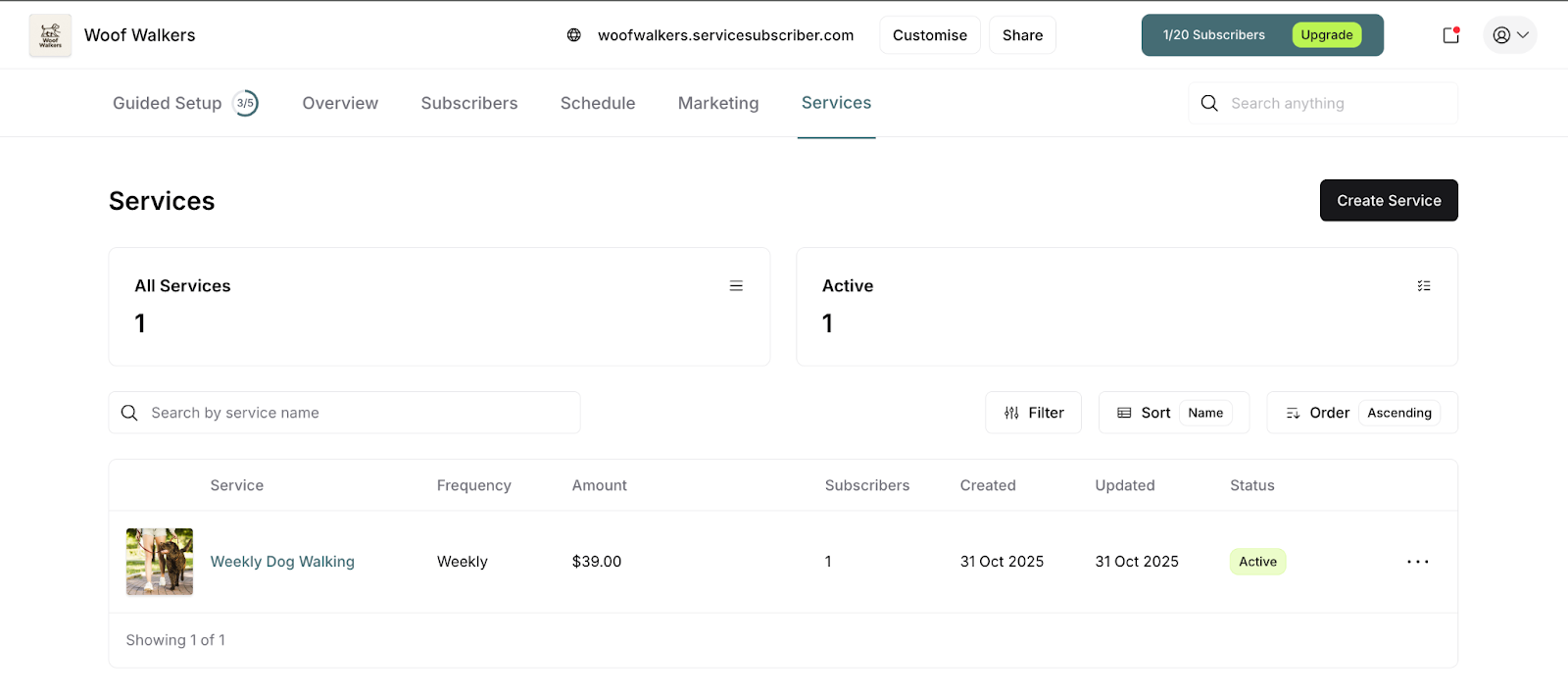
Pending services go live immediately
Customers can browse and subscribe
Your business is open for subscriptions
✅ Automate Billing
Recurring charges happen automatically
Failed payments retry automatically
No manual invoicing required
✅ Manage Subscriptions
Process refunds when needed
Handle cancellations properly
Track payment history
Do You Need a Stripe Account Already?
No! You don't need an existing Stripe account.
If you're new to Stripe:
Create a Stripe account during the connection process
ServiceSubscriber guides you through setup
Takes about 5-7 minutes
If you have a Stripe account:
Connect your existing account
Link it to ServiceSubscriber
Takes about 2 minutes
✍️ TIP: Even if you've never used Stripe before, the setup process is straightforward. You'll need basic business information and your bank account details—that's it.
How Money Flows with Stripe
Understanding the payment flow helps you see why Stripe matters:
Step 1: Customer Subscribes
Customer enters payment information
Stripe securely stores their card
First payment processes immediately
Step 2: Recurring Billing
Stripe charges customer automatically each billing cycle
No action required from you
Customer receives payment receipt
Step 3: Fees Deducted
Stripe's processing fee (typically 2.9% + 30¢)
ServiceSubscriber's transaction fee (2% or 1%)
Both deducted automatically
Step 4: Money to Your Bank
Remaining funds transfer to your bank account
Payout schedule: Daily, weekly, or monthly (you choose)
Typically arrives within 2-7 business days
✍️ TIP: You can track every payment, fee, and payout in your Stripe dashboard.
Was this article helpful?
That’s Great!
Thank you for your feedback
Sorry! We couldn't be helpful
Thank you for your feedback
Feedback sent
We appreciate your effort and will try to fix the article