What You'll Accomplish
In your first 20 minutes, you'll:
Set up your business foundation (name, contact details, service area, hours)
Choose your custom domain
Configure basic operations and tax settings
Land on your Guided Setup dashboard with a clear path forward
Your progress saves automatically, so you can pick up wherever you leave off.
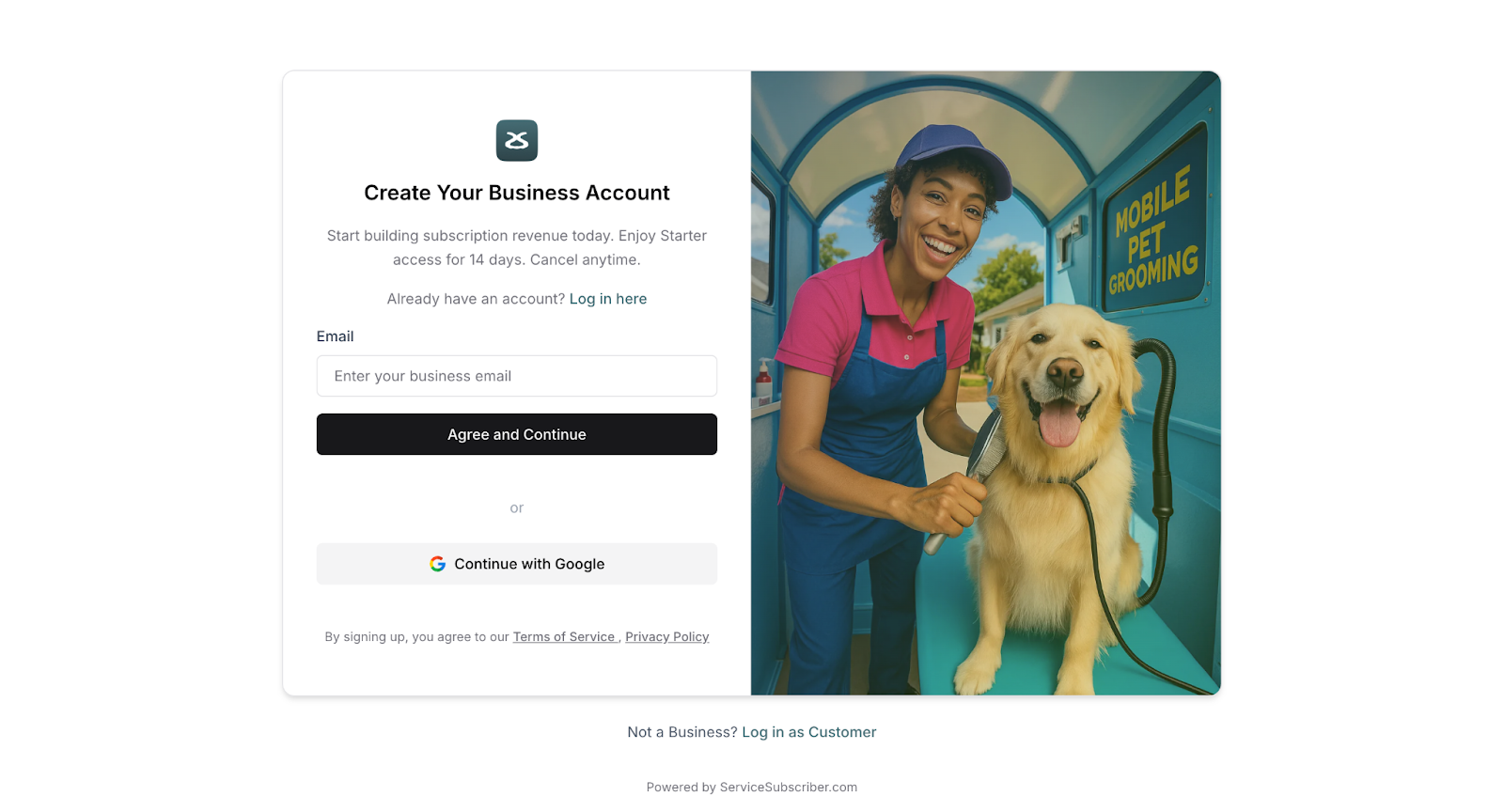
Your Journey Starts Here
Step 1: Create Your Account (2 minutes)
Visit ServiceSubscriber.com and enter your email address. We'll send you a one-time password to verify your email. Enter the code, and you're in—no password to remember.
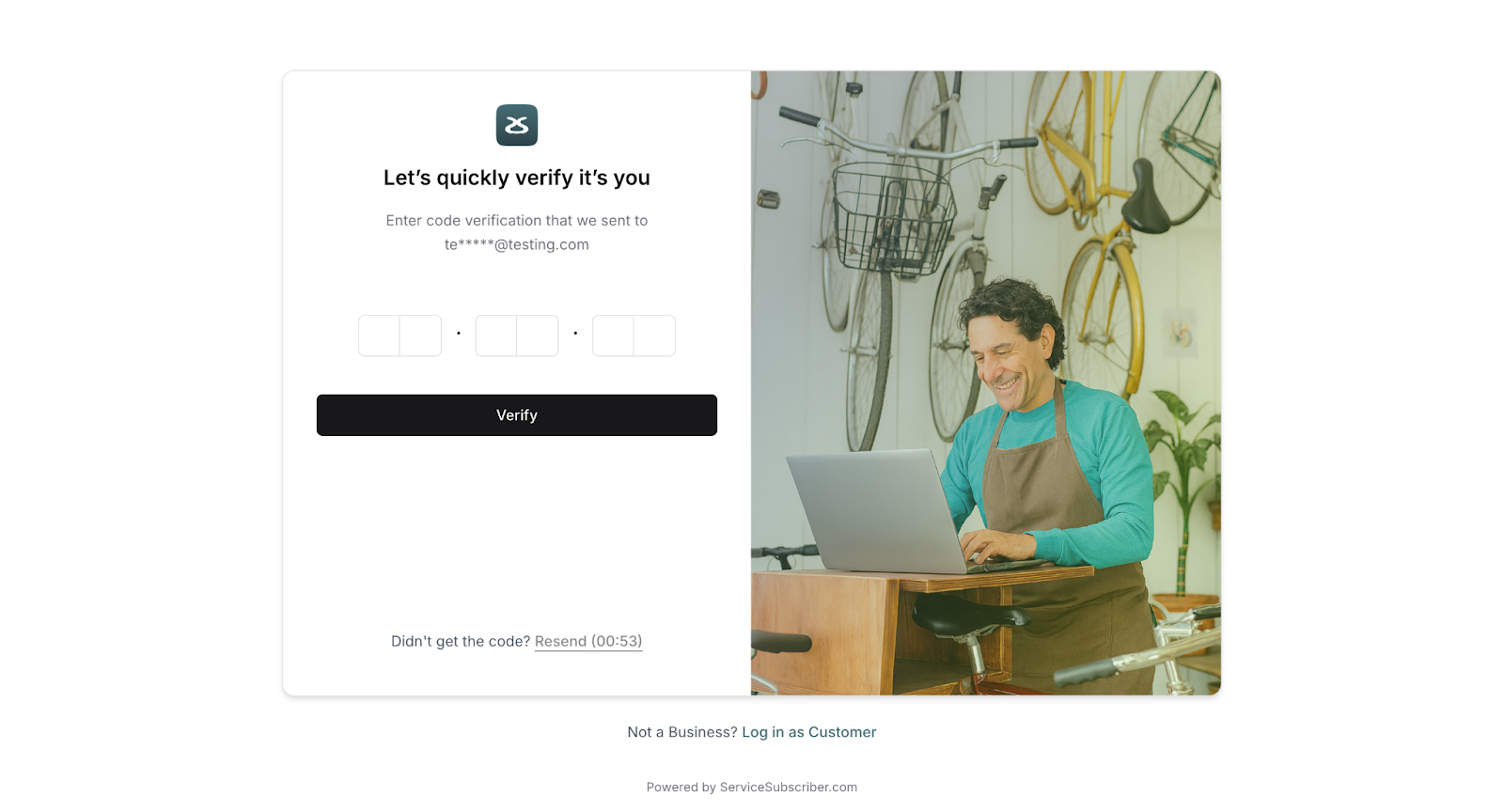
✍️ TIP: Check your spam folder if the OTP doesn't arrive within a minute. It comes from noreply@servicesubscriber.com
Step 2: Tell Us About You (3 minutes)
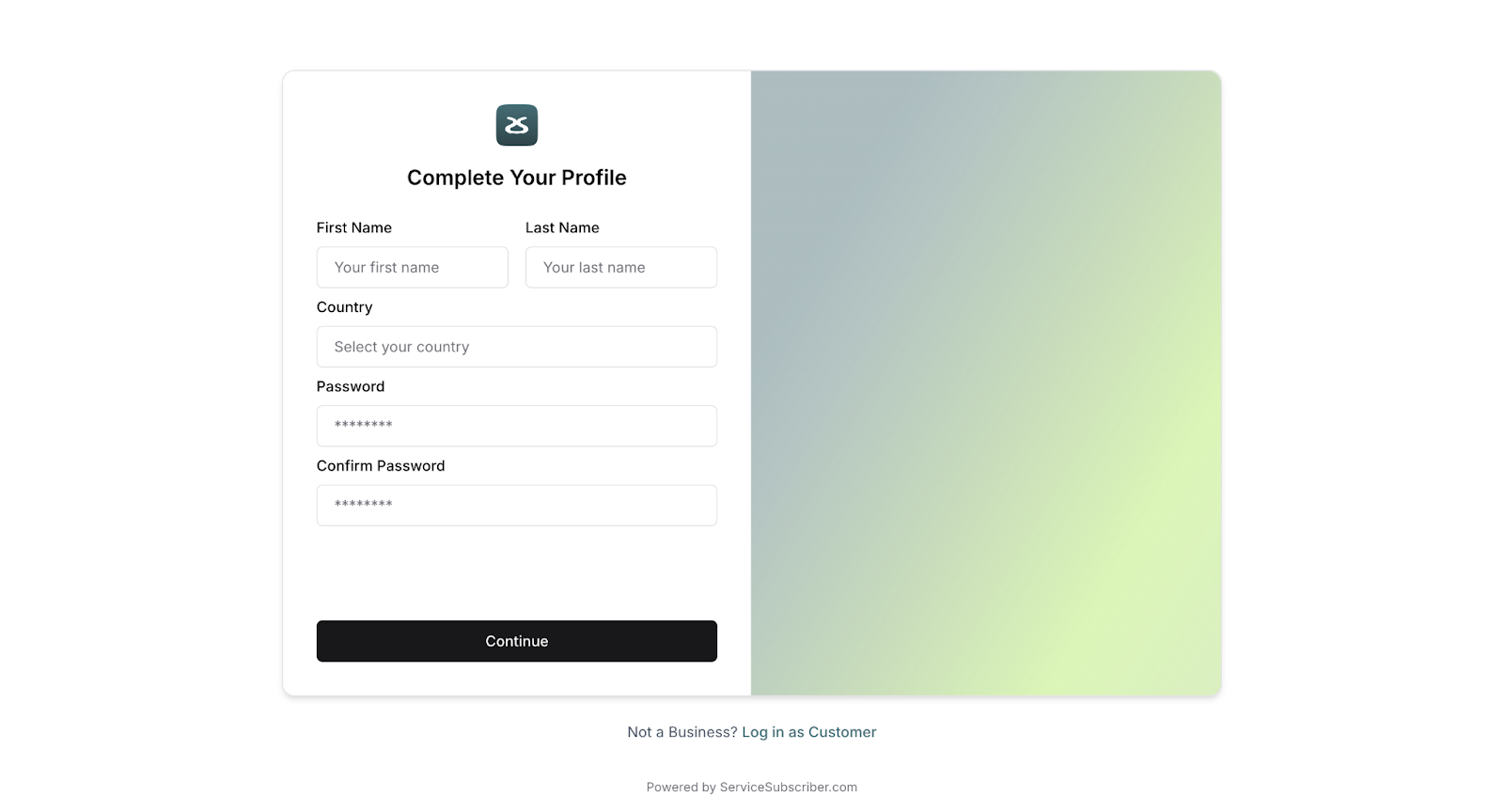
Add your first name, last name, and timezone. Optionally upload a profile photo. This helps us personalize your experience and keep scheduling accurate.
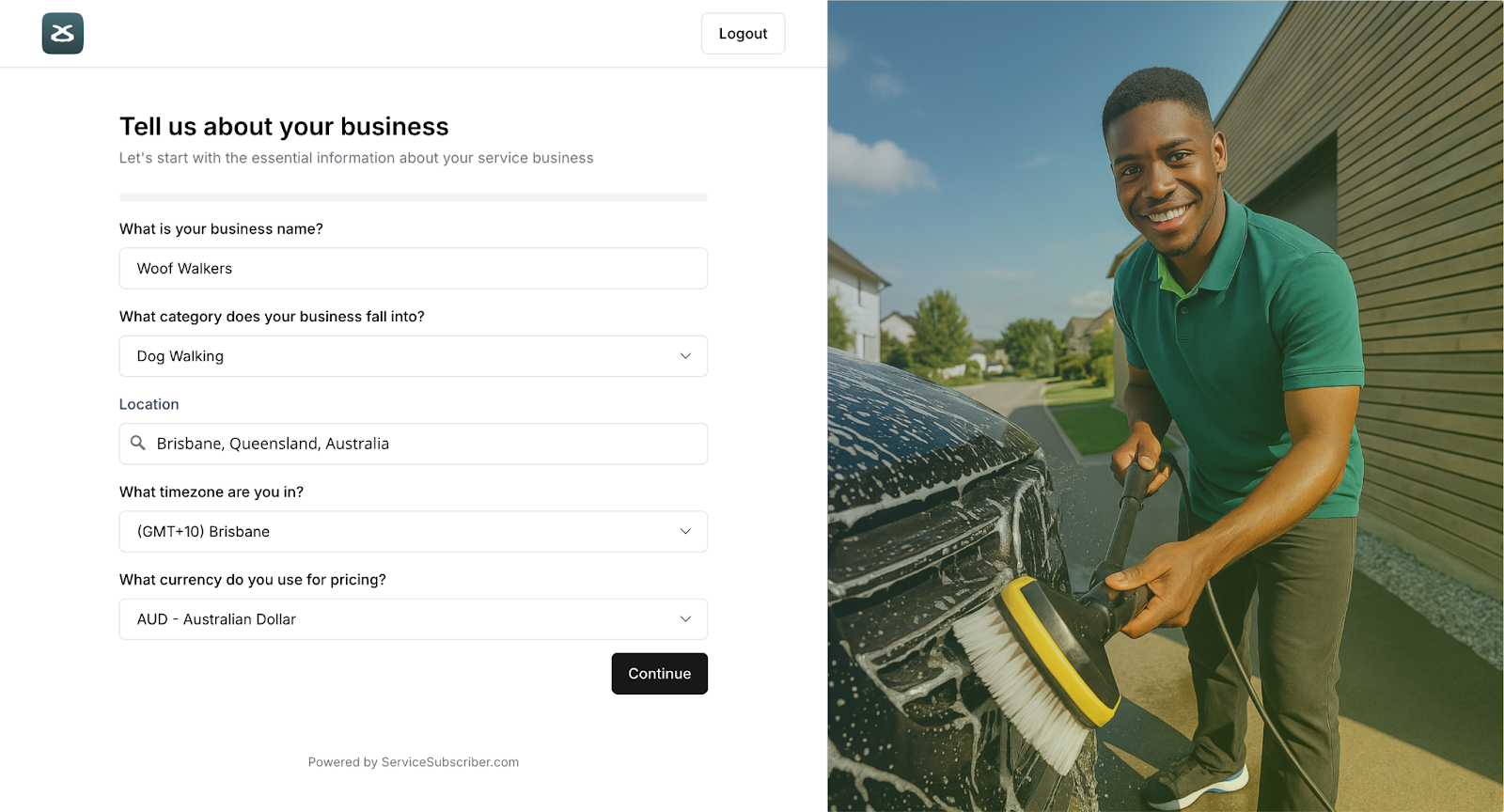
Step 3: Set Up Your Business Details (5 minutes)
Enter your business name, phone number, location, and currency. Add an optional website if you have one—if not, ServiceSubscriber becomes your professional web presence.
Step 4: Configure Your Operations (5 minutes)
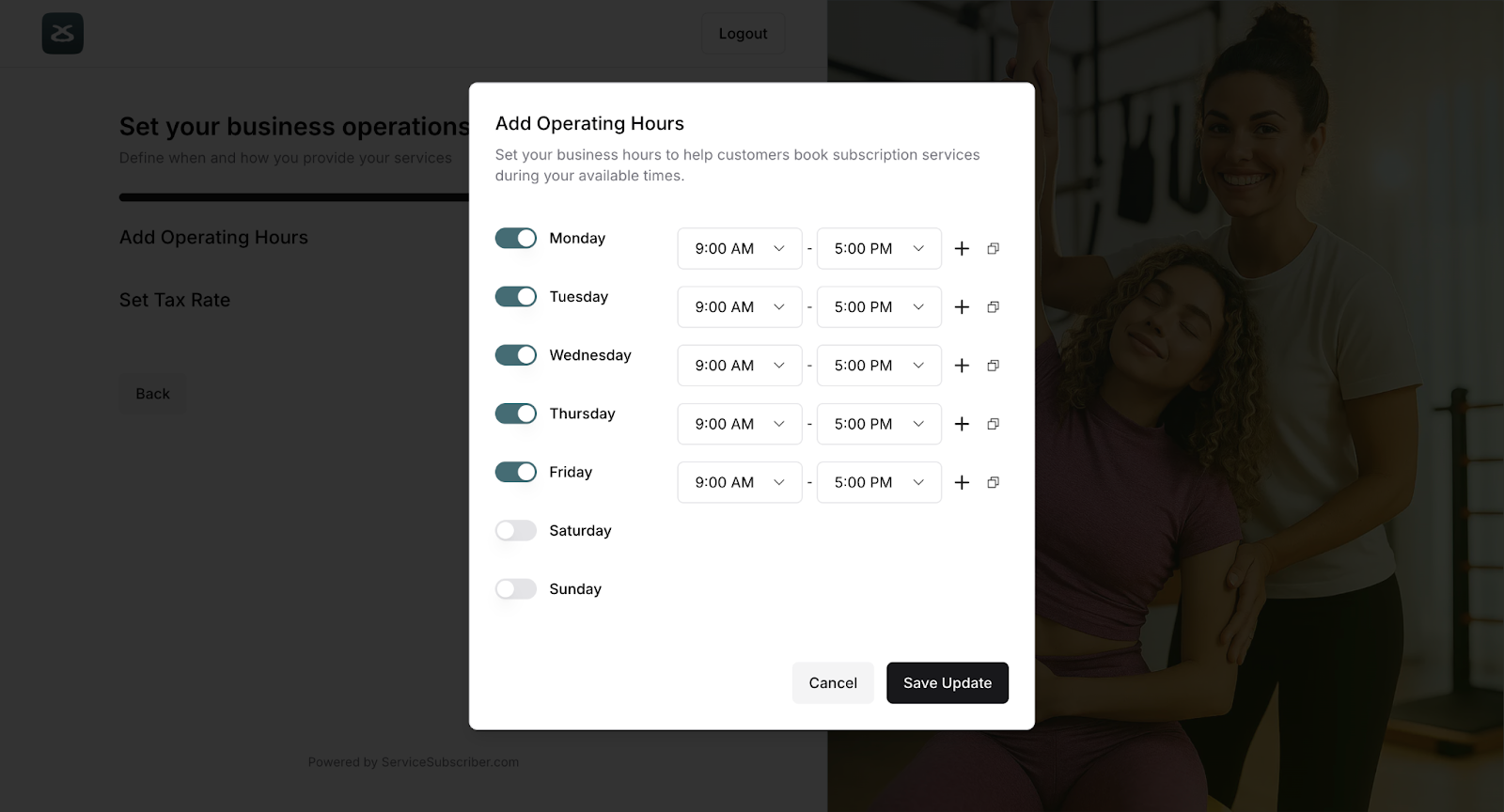
Set your business hours for each day. You can copy hours across multiple days or customize each one. Then configure your tax settings—single rate or multiple rates depending on your region.
⚠️ IMPORTANT: If you skip tax setup now, you'll need to configure it before activating your first service.
Step 5: Choose Your Domain (3 minutes)
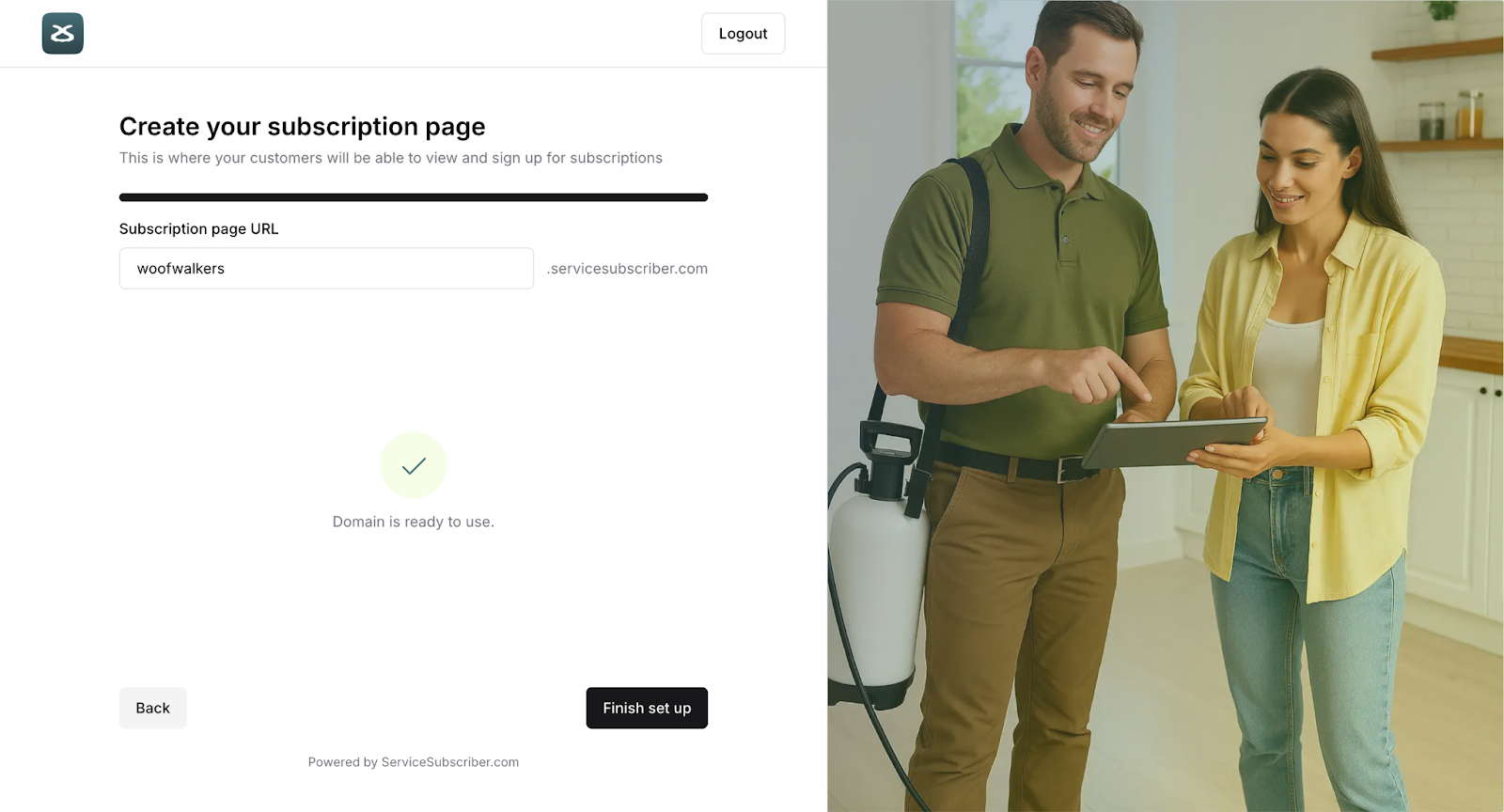
Claim your custom subdomain (like "yourname.servicesubscriber.com"). This becomes your business's home on the web—the link you'll share with customers everywhere.
Step 6: Welcome to Your Guided Setup (2 minutes)
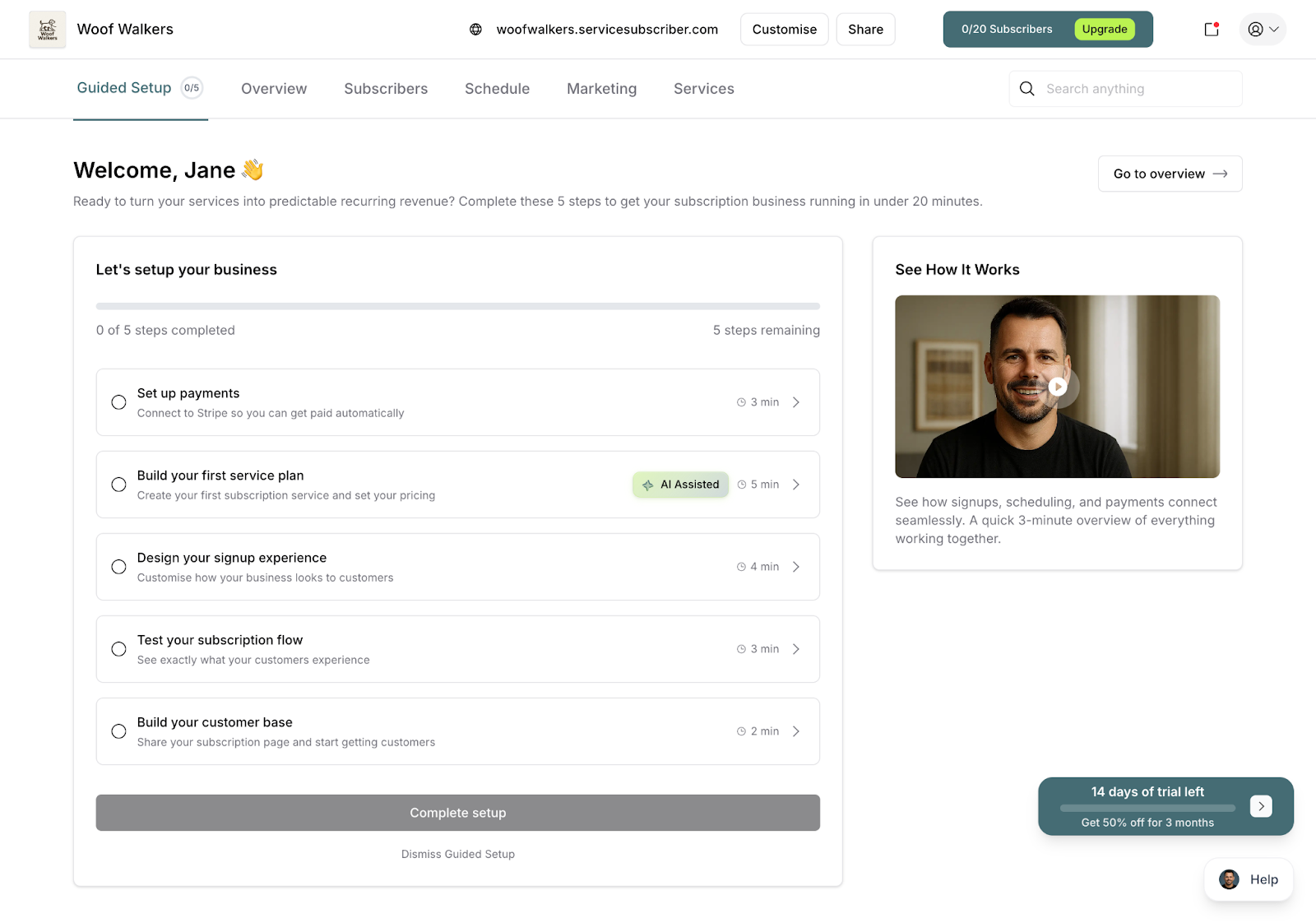
You've completed 2 of 5 essential steps! Your Guided Setup dashboard shows what's next:
Connect your Stripe account (5 minutes)
Build your first service plan (10 minutes)
Design your signup experience (5-8 minutes)
Build your customer base (2 minutes)
Add your first subscriber (3 minutes)
What Happens Next
You're officially set up! Most people connect Stripe next (unlocks payments), then create their first service. The Guided Setup tracks your progress and shows you exactly what to do.
You can leave and come back anytime—your progress is saved automatically.
Was this article helpful?
That’s Great!
Thank you for your feedback
Sorry! We couldn't be helpful
Thank you for your feedback
Feedback sent
We appreciate your effort and will try to fix the article